



WELCOME TO SPARK
Spark Community Management is pleased to announce that we can offer you the valuable services of SmartStreet powered by Banc of California, one of the industry’s leading providers of banking and payment processing solutions for homeowners and associations.
Paying with SmartStreet gives you some advantages we think you’ll appreciate:
Free (eCheck) and easy to use
Saves time, it only takes a minute
No envelopes, stamps, or checks
Secure – no threat of theft from mailboxes
In addition to the SmartStreet Bank Portal, other payment options available to you include:
eCheck
Credit Card
Mail a check
Online bill pay through your bank
Below is information on all payment options. If you have any questions, please contact Spark Community Management at 360-812-9001

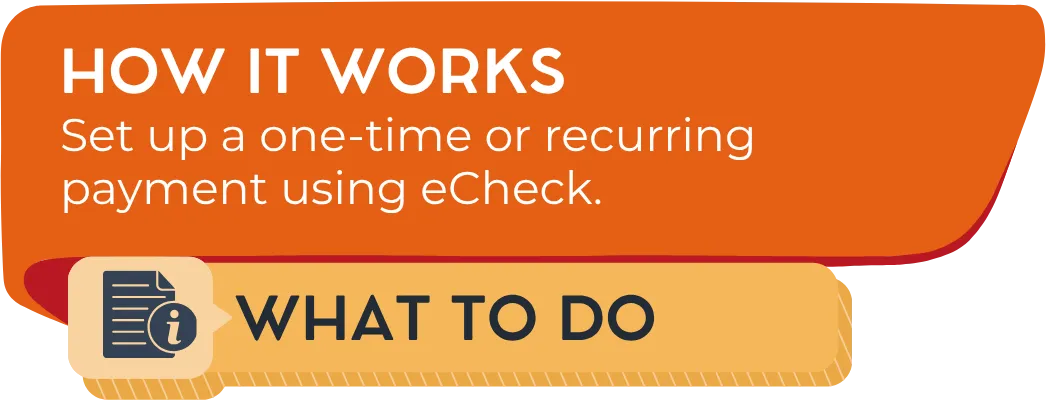
Login in to
Choose Make a One-Time Payment to initiate a payment without registering or click Create an Account to register and set up recurring payments. Registering also allows you to make a one-time payment to your saved property and save your payment information.
Type in your association on Find Your Property
Input yout HOA ID, this is the same thing as your Account ID which can be found on your billing statement, on the welcome letter sent to you by Spark, or you can contact our office to request it from our team. This code is unique per unit.
Next, follow the instructions on the screen.

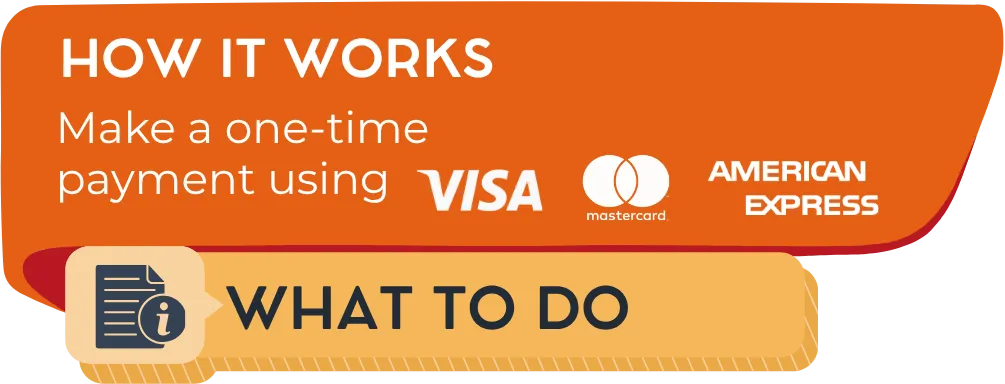
Login in to
Choose Make a Payment to initiate a one-time payment or click Set up Autopay to set up recurring payments.
Select “Pay via Card” or “Pay via Check” and follow the instructions on the screen.
Payments made through the resident portal may include transaction fees charged by the portal provider.

Write a check payable to your association, as it is written on your statement. Put your account ID on the memo line of your check (found on your billing statement, on the welcome letter sent to you by Spark, or you can contact our office to request it from our team).
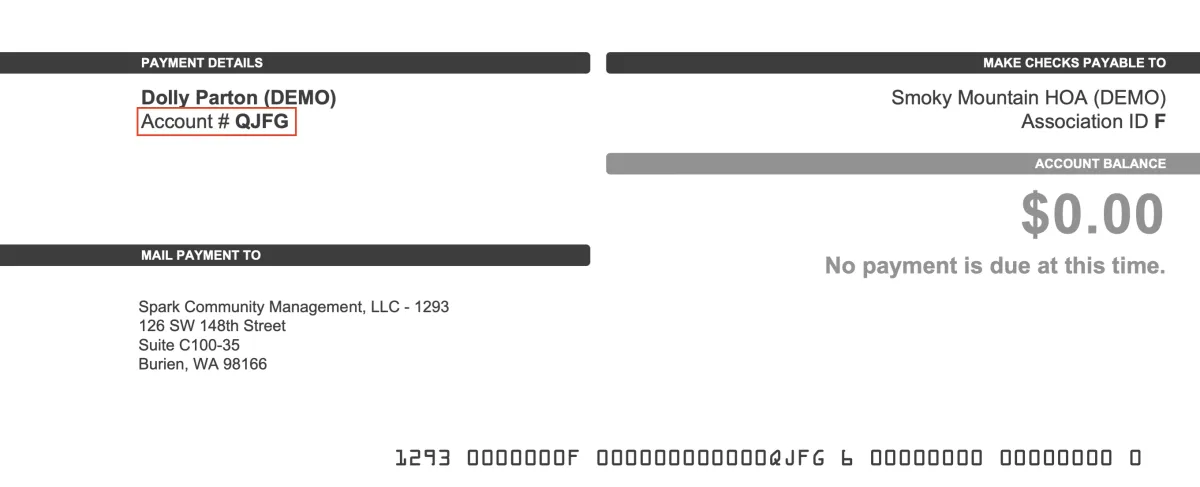
Mail the check to:
[Association Name] c/o Spark Community Management
126 SW 148th Street
Suite C100-35
Burien, WA, 98166
IMPORTANT EXCEPTION: If you live in the following associations, please mail your check to PO Box 30018, Bellingham, WA, 98228:
Bridges Plat, Coasthaven, Heights @ Cordata, King Mountain, Lincoln Creek, and Malloy Village.


Please complete your bill pay setup exactly as follows:
Payee: (Association Name)
Address Line 1: 126 Southwest 148th Street
Address Line 2: Suite C100-35
City/State/Zip Code: Burien, WA 98166
EXCEPTION! If you live at Bridges Plat, Coasthaven, Heights @ Cordata, King Mountain, Lincoln Creek, or Malloy Village, please setup your bill pay as follows:
Payee: (Association Name)
Address Line 1: PO Box 30018
City/State/Zip Code: Bellingham, WA, 98228
IMPORTANT: Reference your homeowner account ID number as it appears on your statement or the welcome letter sent out by Spark. Some banks still send online bill payments by paper check. Please make sure paper checks are sent out 7-10 business days before the due date.
SmartStreet is a registered mark of Banc of California. © Banc of California.

© 2026 Spark Community Management, LLC. | Contact Us | Privacy Policy
(360) 812-9001
4071 Hannegan Rd STE R
Bellingham, WA 98226
PO Box 30018, Bellingham, WA 98228